
About Us

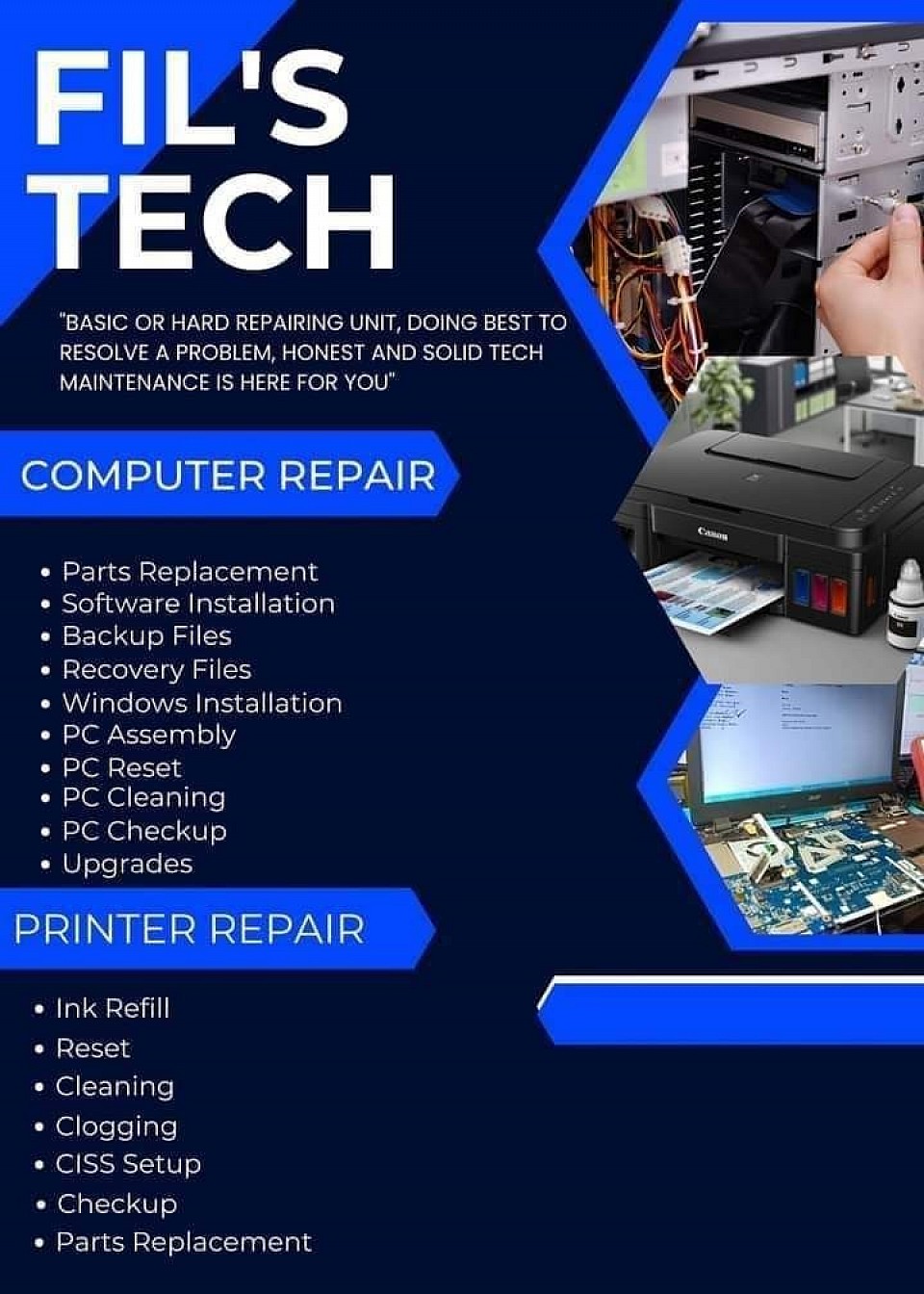
FIL'S TECH Computer Repair Services
- "Basic or hard repairing unit, doing best to resolve a problem, honest and Solid Tech Maintenance is here for you"
Paper Jam
Other way to Fix:
1. Power off
2. Open Cover
3. Move Header to right side
4. Round the Left Side Roller to Counter Clockwise
5. Then Remove Paper
White Line
Other way to fix:
1. Hold and Press Cancel Button in 5sec.
2. Wait until blinking stop
3. Go to Computer settings
4. Click Printer Device
5. Click Manage
6. Click Maintenance
7. Click Head clean then wait until blinking stop
8. Click Nozzle Check
9. Then check the result if have an issue in Colored and Black
